
Improve your outdoor learning space with our interactive audit and tracking tools.
Build your own plan, area by area. Add as many outdoor areas as your setting has, fill them with the actions that get them finished, and keep every lead, deadline and photo in one place.
- 7 days free
- No charge until day 8
- Cancel any time
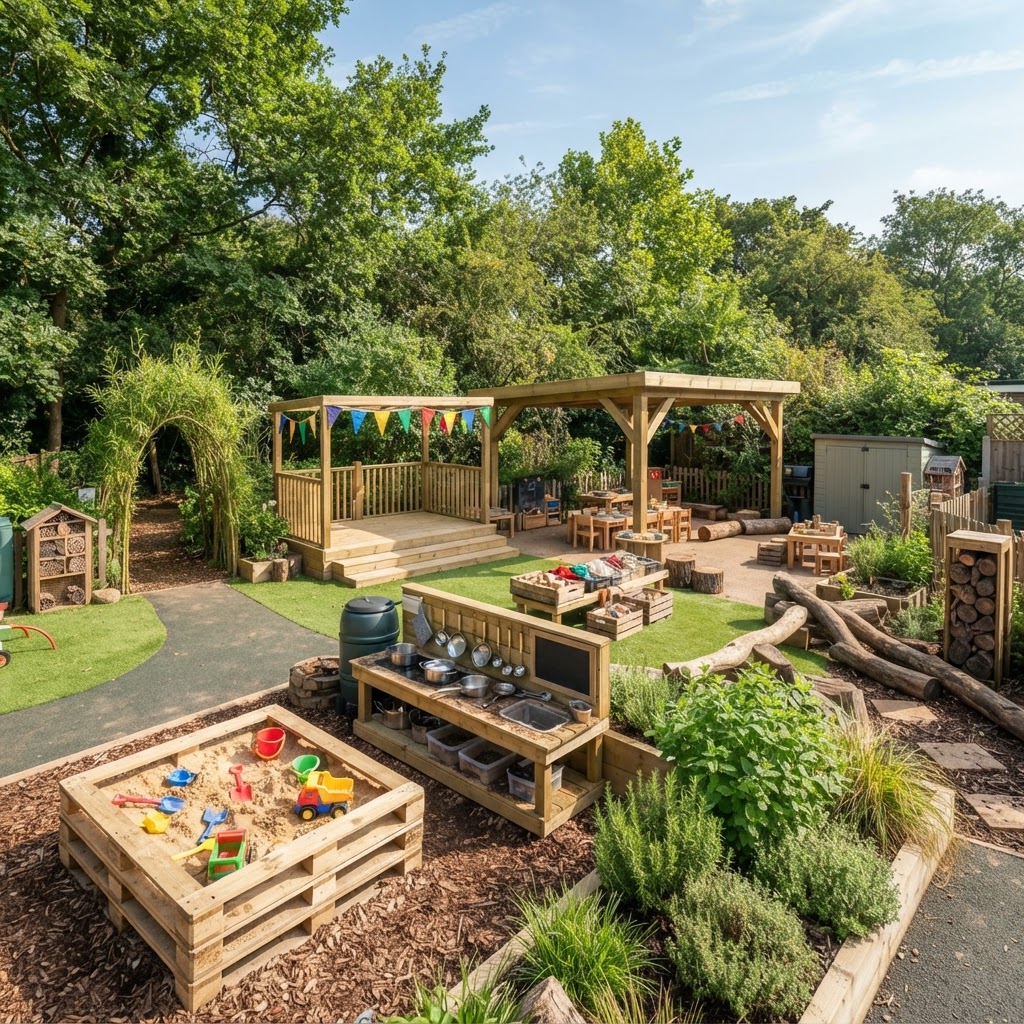
Everything you need to run the project properly
Built around how an EYFS outdoor improvement plan actually gets delivered: area by area, phase by phase, with evidence to show for it.
Your own areas, as many as you need
Build a list of outdoor areas that matches your setting, each with its own deliverables, curriculum links and named leads. Add, edit or remove them whenever plans change.
Actions inside every area
Break each area into the actions that get it finished, with a phase, a category, resources and a person. Tick them off as they land.
Your own wording
Rename and add your own curriculum areas, action categories, phases and photo tags. Whatever you change flows straight through the dashboard.
RAG audit matrix
Audit every area period by period and see instantly what is Red, Amber and Green, with escalation flags when something stalls.
Staff accountability
Every area has an owner and every action has a name against it, so nothing quietly stalls.
Print-ready reports
Print the dashboard, matrix and checklists for SLT meetings, governor visits and inspections.
How to use the app
Five short steps from a blank page to a plan you can hand to your leadership team.
- 1
Add your team
Staff & Accountability → add a name and role for everyone who owns part of the plan.
- 2
Shape your wording
Customise → rename or add your own curriculum areas, action categories, phases and photo tags. Every change flows through the whole dashboard.
- 3
Build your areas
Areas → Add area. Name it, describe what finished looks like, tick the curriculum it covers, choose its leads.
- 4
Break it into actions
Open an area or the Action Checklist and add the actions that get it done — phase, category, resources, person.
- 5
Track, audit, share
Tick actions off as they land, set a RAG rating each period, add progress photos, then print the dashboard for SLT or inspection.
- Add or remove areas, actions and team members whenever you like
- Renaming an option updates every record that uses it
- Everything saves to your shared team workspace as you go
One school licence, 10 seats, one free week
One subscription covers your whole setting: invite up to 10 colleagues and they join free, each with their own login to the same workspace. Choose annual or monthly billing — either way you get 7 days free before your first payment.
Annual plan
Up to 10 people in your setting
£39.99per year
Works out at £3.33 a month
Free for 7 days, then £39.99 per year
- School licence covering up to 10 people
- Zone Hub for every outdoor area
- Phase-by-phase action checklist
- RAG audit matrix
- Staff and area accountability
- Progress photo evidence
- Print-ready reports
Monthly plan
Up to 10 people in your setting
£3.99per month
Pay month by month
Free for 7 days, then £3.99 per month
- School licence covering up to 10 people
- Zone Hub for every outdoor area
- Phase-by-phase action checklist
- RAG audit matrix
- Staff and area accountability
- Progress photo evidence
- Print-ready reports
Prices shown in GBP. Each subscription is a school licence covering up to 10 people in one setting, and you can cancel at any time.